


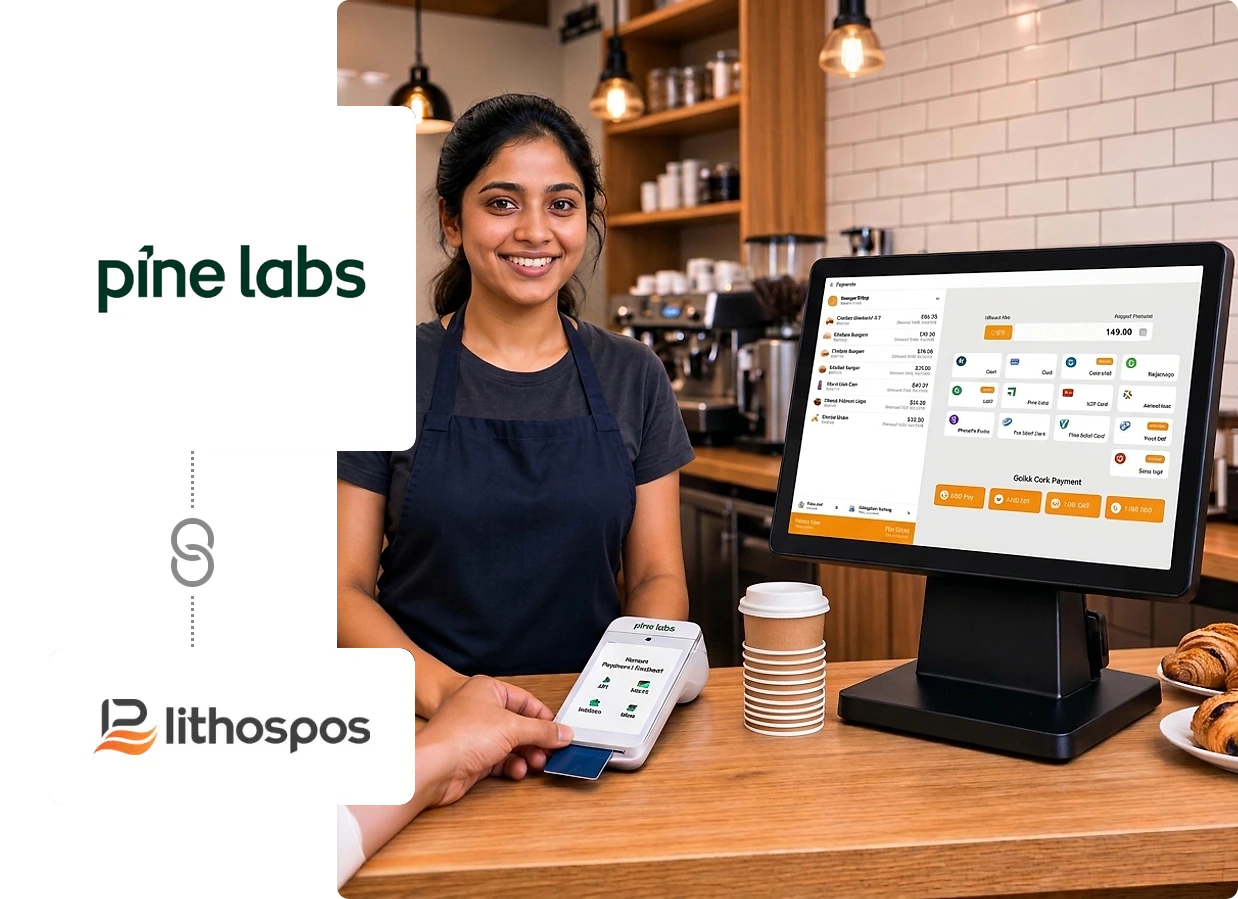

Integrated checkout
LithosPOS Runs Your Business. Pine Labs Takes the Card.
LithosPOS remains where you build each sale—items, taxes, discounts and totals. The Pine Labs terminal is the in-person card device your customer uses to pay. Together they support a checkout where billing and card collection belong to one sale, instead of two disconnected habits at the counter.
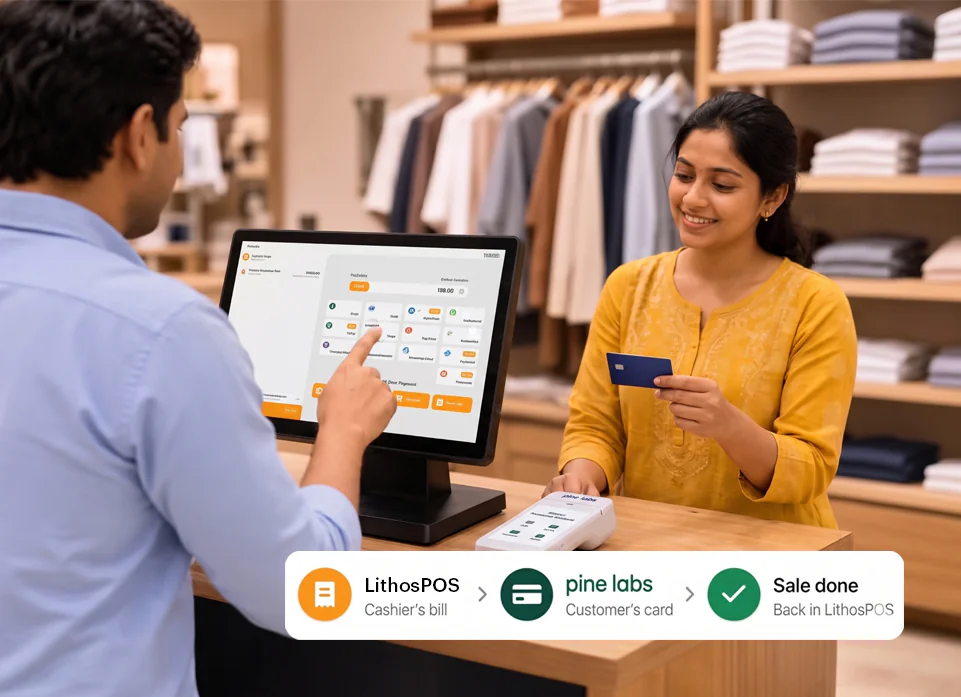
At the counter
A Better Checkout for Staff and Customers
When staff and customers know which screen or device to use, card checkout feels routine rather than improvised.
LithosPOS screen
Items, modifiers, discounts, taxes and the bill total—the same sale flow your team already runs for every order.
Pine Labs terminal
A dedicated card device on the customer side of the counter for supported debit and credit card payments.
Checkout flow
Easier Billing and Faster Payments
Ring up the sale
Build the bill in LithosPOS with the products, service charges and taxes you already use.
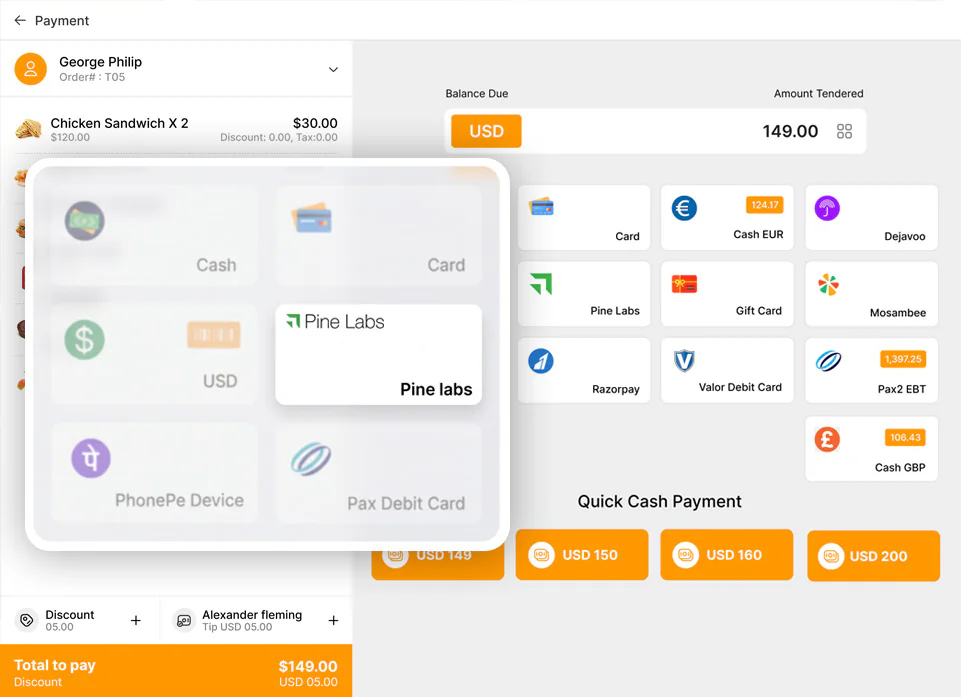
Select Pine Labs
Choose Pine Labs on the LithosPOS payment screen, next to cash and your other configured types.
Customer pays by card
The shopper completes the payment on the Pine Labs terminal using their debit or credit card.
Close in LithosPOS
Finish the transaction on the POS so the sale and receipt reflect the Pine Labs payment method you set up.
Why integrate
Accurate Sales Records. Simpler Payment Reconciliation.
Card payments can still happen every day—but if they are not recorded as part of the LithosPOS transaction, end-of-day work gets harder.
Card terminal used on its own
Staff may need to reconcile card slips or terminal reports separately from LithosPOS sales, and it can be harder to tie each card payment back to a specific bill.
Pine Labs selected in LithosPOS
The card payment is part of the same LithosPOS transaction your cashier already opened, so the sale, payment method and receipt stay aligned in one workflow.
What Changes for Your LithosPOS Checkout
One system for the sale
Menus, inventory, staff permissions and bill totals stay in LithosPOS. Pine Labs extends checkout with in-person card acceptance rather than replacing your POS.
Card payments face the customer
The terminal sits where shoppers can reach it, so they handle their own card instead of passing it across a busy counter.
Register-level pairing
Each LithosPOS register that accepts Pine Labs is linked to the terminal credentials for that counter, which helps multi-register stores stay organized.
Receipts name the method
You control the label shown on the payment screen and on printed or digital receipts, so card sales are identifiable in everyday paperwork.
Payment screen
Pine Labs Among the Ways You Already Get Paid
The integration adds Pine Labs to the payment step of a LithosPOS sale—it does not replace your catalog, pricing or store setup.

People at the counter
Who This Checkout Setup Is For
Cashiers
Stay on the LithosPOS payment screen to close the bill once the card payment is done, without maintaining a separate manual log of card totals.
Customers
See the bill prepared on the POS and pay on a familiar card terminal with standard debit or credit card prompts.
Owners and managers
Keep operational control in LithosPOS—stores, staff, catalog and reporting—while card acceptance runs on the Pine Labs devices you deploy.
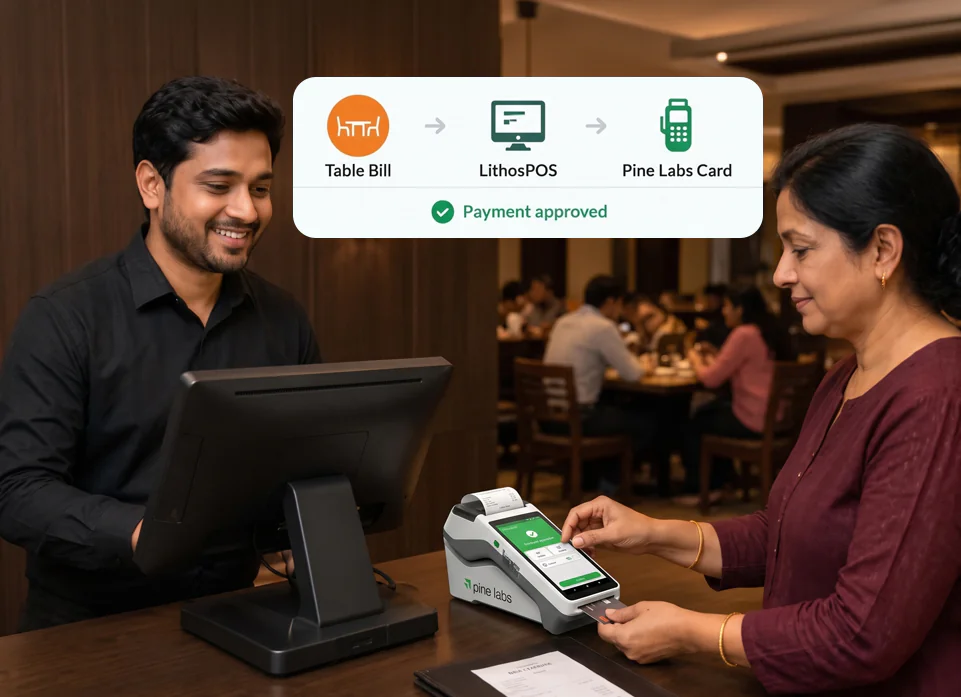
Restaurants
Settle the table bill where guests expect to pay
After dining, guests usually pay at a cash desk or counter—not at the table with a separate device workflow.
The cashier recalls the table order in LithosPOS, confirms the final total with any service charge or split adjustments your policy allows, and selects Pine Labs when the guest is ready to pay by card. The guest uses the terminal while the cashier stays on the POS to complete the sale once the card payment is through.
Explore restaurant POSCafés
Fit card acceptance on a narrow counter
High-volume coffee and quick-service counters have little space and little time per order.
A compact LithosPOS setup for the barista can sit beside a Pine Labs terminal oriented toward the customer. The drink is rung up once, the guest pays by card on the terminal, and the barista closes the sale in LithosPOS before handing over the cup—keeping the line moving without a second billing system.
Explore café POS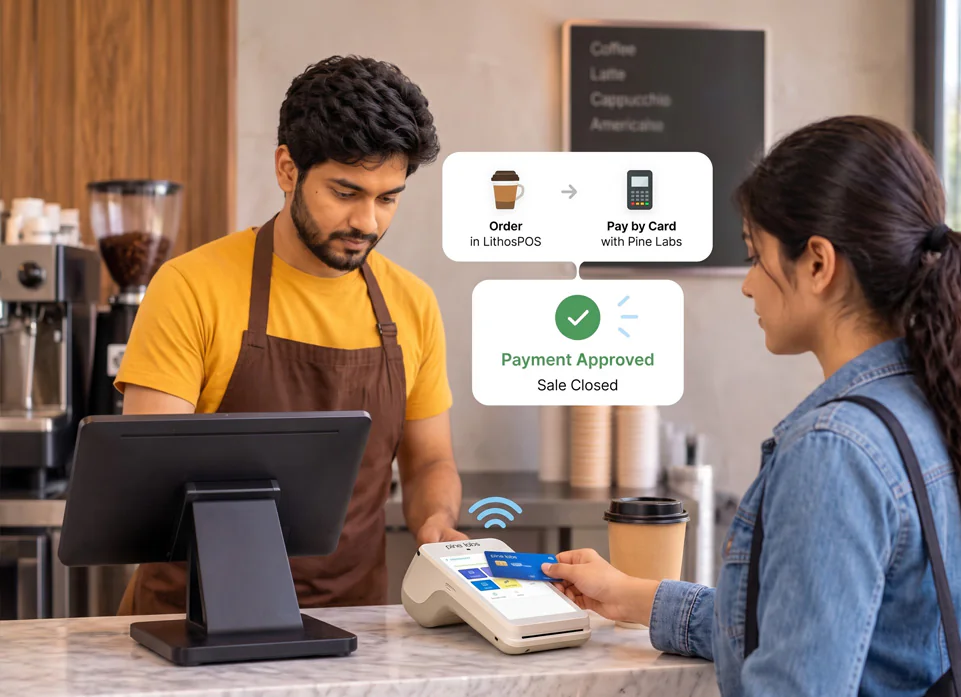
Retail
Keep scanning and packing while the customer pays
Retail checkout often splits attention between the register and the shop floor.
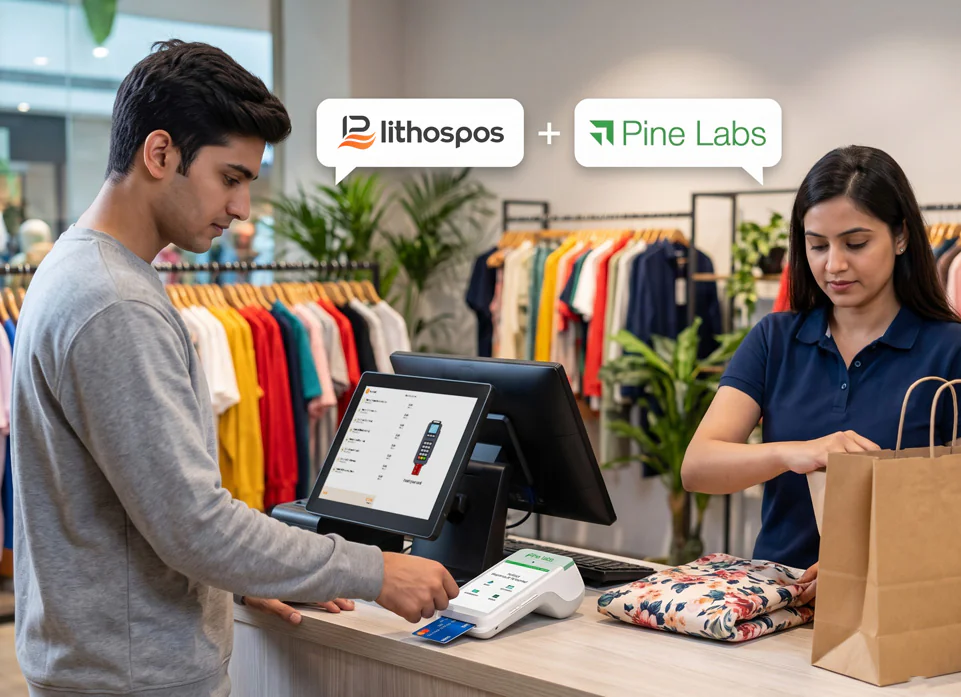
While the cashier scans items and bags purchases in LithosPOS, the customer can pay the bill amount on the Pine Labs terminal at the end of the counter. When the card payment completes, the cashier finalizes the LithosPOS transaction and hands over the receipt that shows how the bill was paid.
Explore retail POSSetup
Configured Inside the LithosPOS You Already Use
Pine Labs is enabled through your existing LithosPOS administration and POS integration settings—there is no parallel merchant portal for your cashiers to learn.
In the Back Office
On each POS
For registers that accept Pine Labs, enter the merchant and terminal identifiers from your Pine Labs account—such as Merchant ID and Machine ID—so that POS works with the device at that counter.
Our team can walk through Back Office and POS settings with you during a demo.