 English
 Spanish


What Is a Multi-Store POS System?
A multi-store POS system is point-of-sale software that runs several store locations from a single account. It keeps sales, inventory, pricing and staff data in sync across every outlet,lets head office transfer stock between stores, and reports on the whole chain or on any one store. LithosPOS does this for retail chains and restaurant groups of any size. You add a location, clone your item list into it, and it appears in your dashboard the same day.

One account
For every store, every user and every bill.

One dashboard
Switches between combined view and single-store view.

One item list
Pushed to new stores instead of rebuilt.
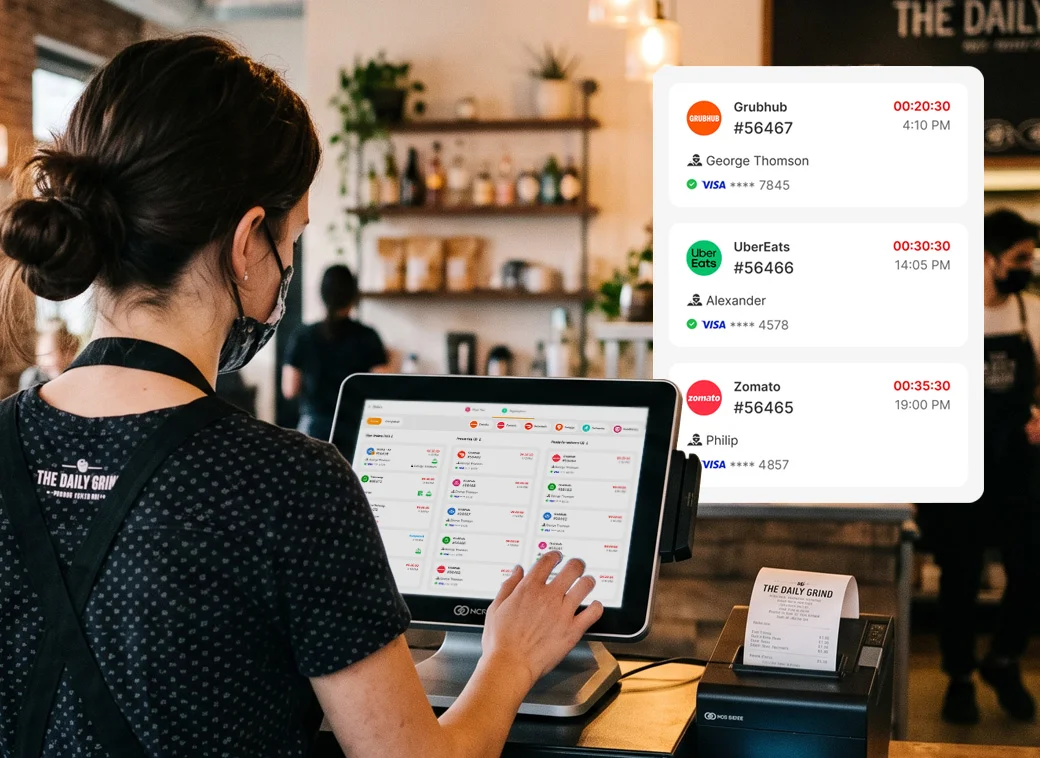
See Your Whole Chain and Any Single Store Without Switching Accounts
Most owners with several stores spend their mornings logging into one system per location and adding the numbers up by hand. The Owner Dashboard removes that step. Switch the store selector and the same dashboard narrows to one outlet — nothing re-entered, nothing exported.
 Combined view
- Individual store view
- Store comparison
- Live, not overnight
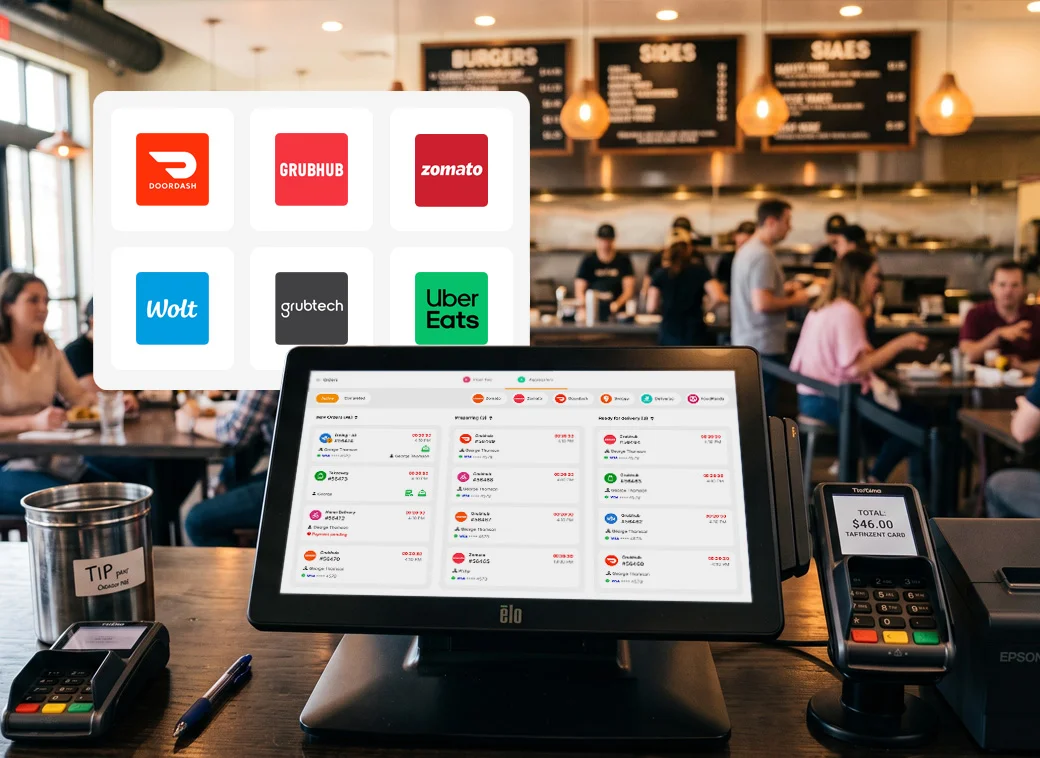
Move Stock to the Store That Sells It Instead of Buying More
Every chain has the same problem: an item sits dead in one branch while another turns customers away for it. LithosPOS shows stock for every location in one list, so you free up cash already sitting on your shelves instead of placing another order.
- See stock across every store in one inventory view
- Raise a transfer in seconds from head office or the store
- Confirmed on receipt, so counts stay accurate
- Full transfer history for audit and supplier disputes
Negotiate Like a Chain, Not a Shop
When each branch orders separately you lose twice: you pay single-store prices, and nobody sees what the group actually spends with a supplier. Centralised purchasing pools demand from every location into one order, so your volume becomes a negotiating position.
- One purchase order covering every location's requirements
- Per-store reorder levels that trigger suggestions automatically
- Supplier spend by group for renegotiation time
- Allocate on receipt without re-keying the delivery
Set One Price Everywhere — or a Different Price in Every Store
A price change should take one minute, not one phone call per branch. Edit an item once at head office and it updates everywhere. But a chain is rarely uniform, so central pricing is the default, not the rule: override any item in any store, and run location-specific promotions alongside chain-wide ones.
- Chain-wide price updates pushed to every store at once
- Per-store overrides for outlets with different costs
- Multiple price levels — retail, wholesale, member, happy hour
- Targeted promotions in selected stores for a set date range
One Login, One Bill, One System for Every Location You Open
Separate software per store means separate logins, invoices, support tickets and version numbers. The admin overhead grows faster than the business. LithosPOS is one account — when you open store number twelve, nothing about your setup changes.
- One set of credentials for owners and head-office staff
- One subscription billed together, not per store contract
- One master catalogue, customer list and supplier list
- One support relationship — raise an issue once, not per branch
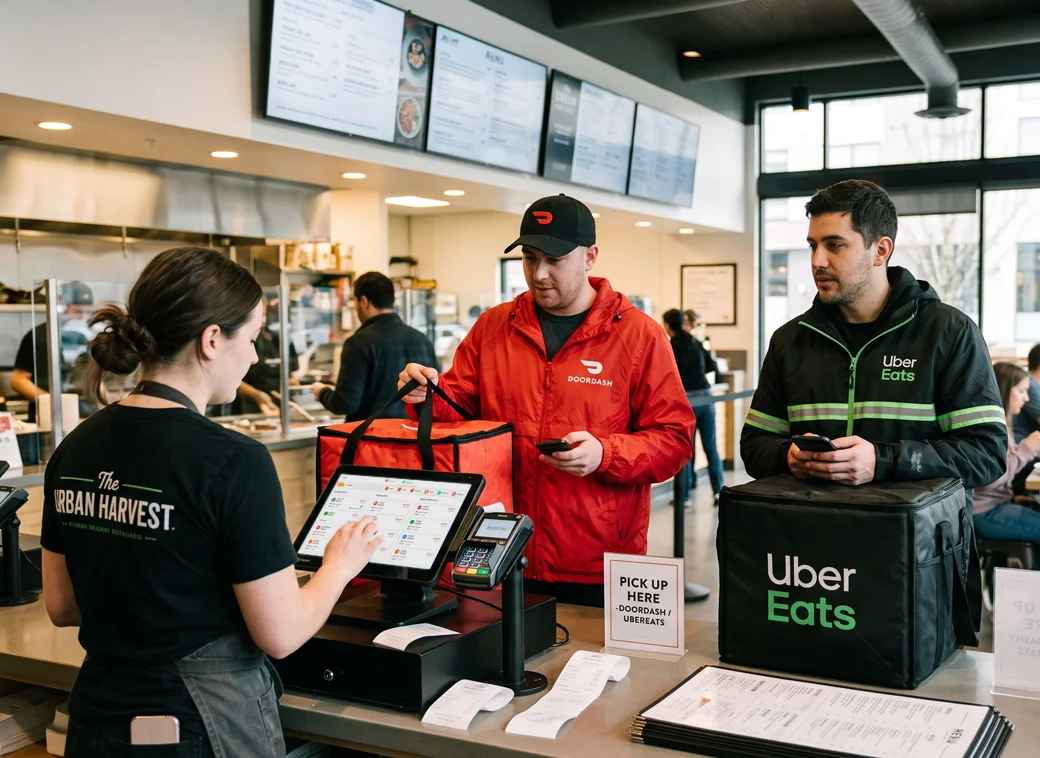
Get One Report for the Chain and One for Every Store, Side by Side
Consolidating branch reports by hand is where most multi-store owners lose their weekends, and where the numbers quietly go wrong. Run a report across the chain, a group of locations, or one store — same report, different scope.
-
Compiled chain reports with no manual consolidation
-
Store-level reports using the same definitions
-
Tax-ready exports across different rates and countries
-
Scheduled delivery straight to your inbox
Open Your Next Store in Minutes by Cloning the One That Works
Add the location, choose an existing store, and replicate its item list, categories, pricing, tax rules and permissions. Your new branch opens configured, and staff recognise the screen because it is the same screen.
Give Every Manager Their Store — and Nothing Else
As a chain grows, the risk is not that people cannot access data. It is that everyone can. Roles are scoped by location, and every discount, void, refund and stock adjustment is traceable to a person and a store.
Run Stores in Different Countries, Currencies and Tax Systems
Each store bills in its local currency under its local tax rules, while your chain reports roll up for you. E-invoicing integrations cover markets where tax authorities require direct submission, and teams work in their own language.
Keep Billing When the Internet Goes Down
A cloud system that stops selling when connectivity drops is a liability. Billing continues at the till and syncs automatically once the connection returns. One branch's outage never becomes a chain-wide problem.
Built for Chains That Are Still Growing
LithosPOS runs multi-store operations from two locations upward, across retail and food service. The system is the same; the setup follows your industry.