


Let Customers Pay with PhonePe, Straight from the LithosPOS Bill
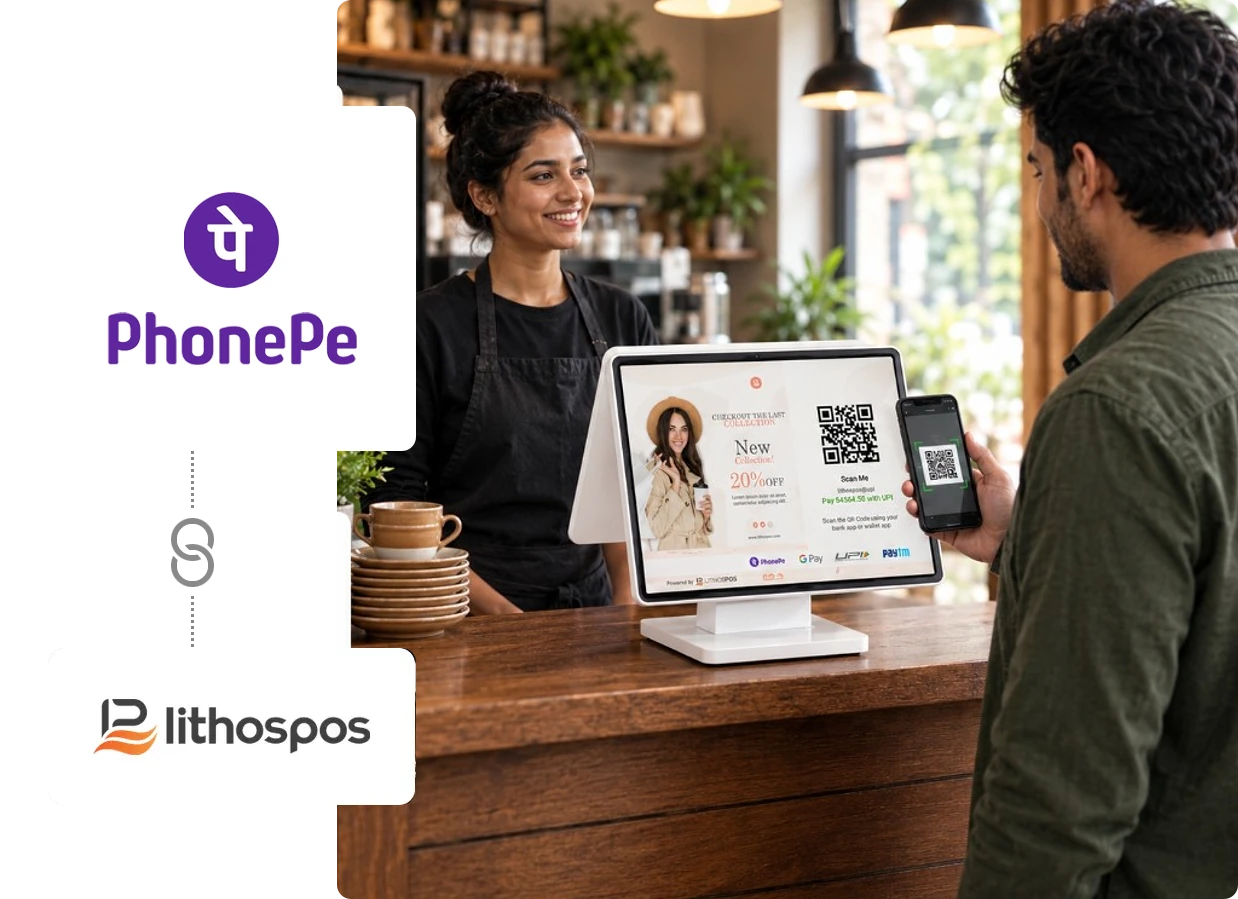
Restaurants, cafés and retail stores can offer PhonePe as part of the checkout they already run. Customers either scan a QR that carries the bill amount or approve a payment request sent to their PhonePe number, whichever suits them at the counter.
Available In

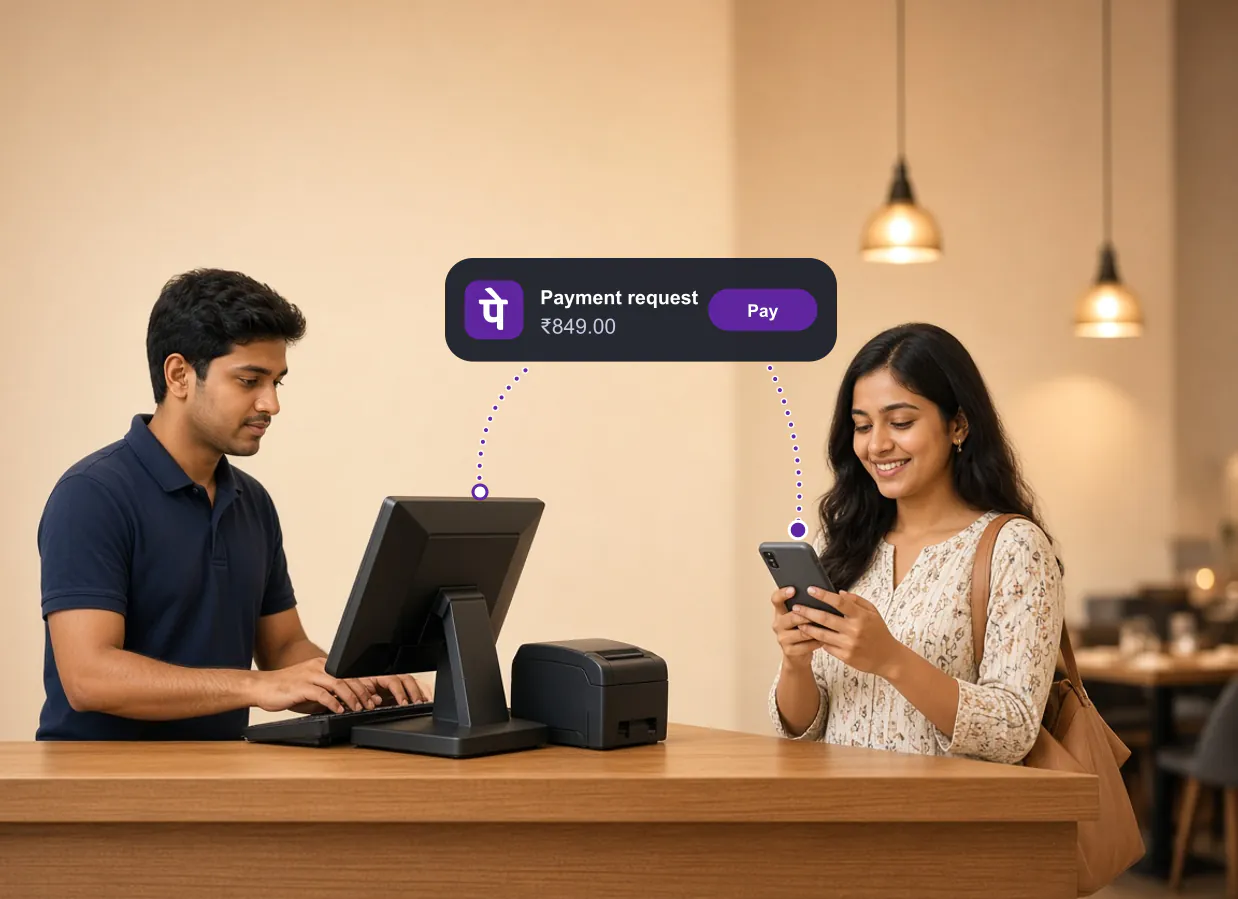
PhonePe Collect
Send the Bill Straight to the Customer’s Phone
Your cashier enters the customer’s PhonePe mobile number, and LithosPOS sends a payment request for the bill. It appears in the customer’s PhonePe app, where they check the request and approve it.

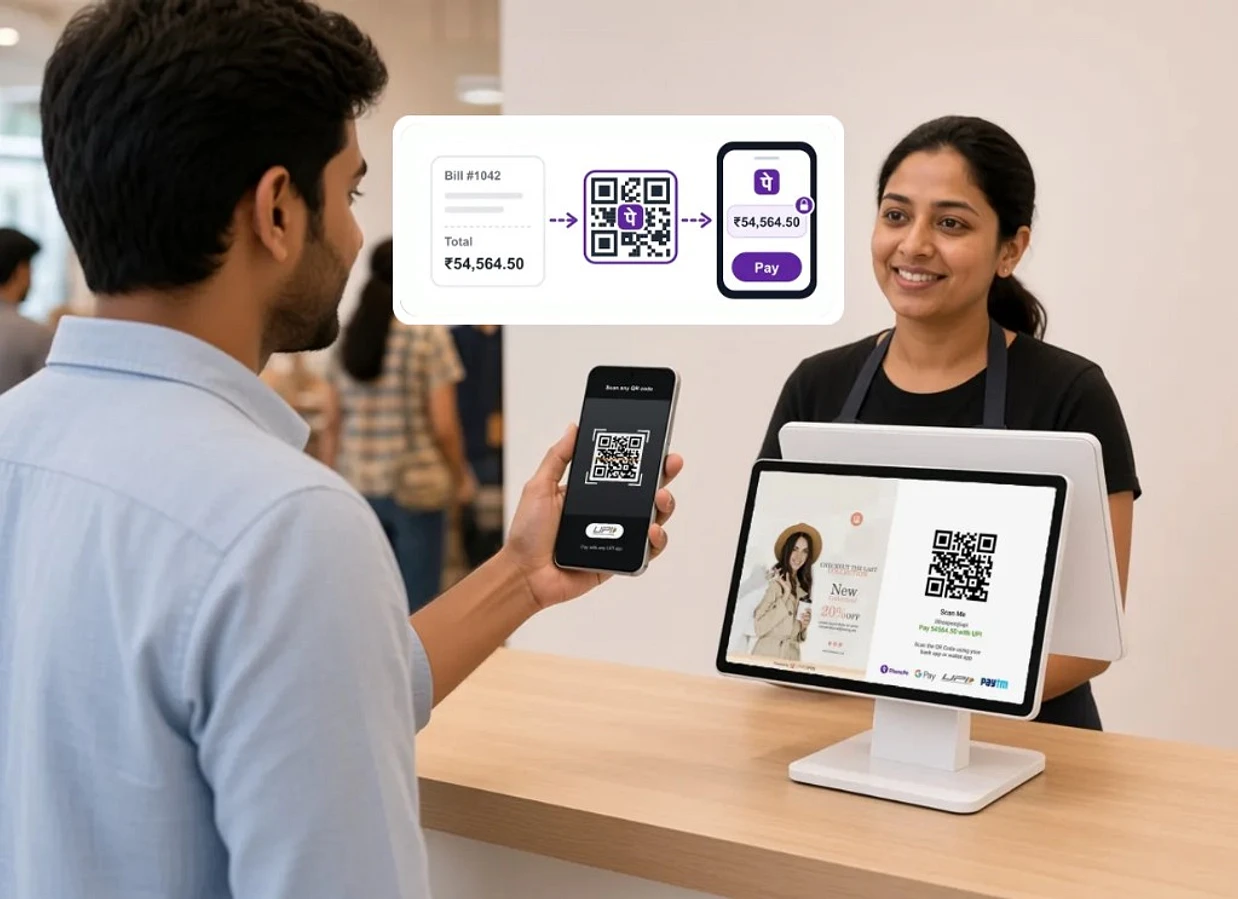
Dynamic PhonePe QR
No More Checking What Amount the Customer Typed
When the bill is ready, LithosPOS presents a PhonePe QR linked to that bill. The customer scans it, finds the bill amount already filled in, and pays.
How PhonePe Helps Each Side of the Counter
Customers pay with an app they already use
Plenty of your customers already pay with PhonePe elsewhere. At your counter they do the same, approving each payment in their own app on their own phone, with no cash or card to hand over.
Cashiers have a second route when a scan won’t work
With both PhonePe options at the counter, a customer whose phone won’t read the QR can still pay with PhonePe by approving a request instead, so the cashier isn’t left asking for cash.
Owners handle less cash at the end of the day
Every PhonePe payment is one less cash sale to count, less change to keep stocked and less money to carry to the bank. The integration settings sit in the LithosPOS Back Office and POS settings, alongside the rest of your setup.
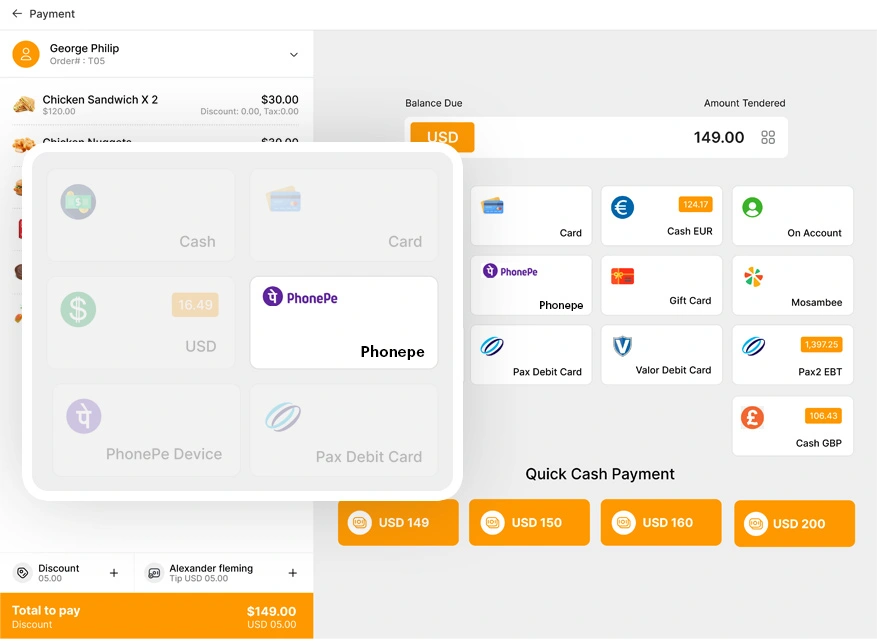
Inside LithosPOS billing
PhonePe Is Just One Tap Away at Checkout
PhonePe appears as a payment option next to cash, card and the other methods you accept. Your cashier rings up the order exactly as before and picks PhonePe when the customer asks for it, so the bill is never re-entered into a separate app.
Choose the Right PhonePe Payment Method for Your Business
LithosPOS supports PhonePe payment integration through EDC terminals and Static QR codes, giving businesses flexible ways to accept digital payments. Simplify checkout, reduce manual payment entry, and keep transactions organized directly within your POS system.
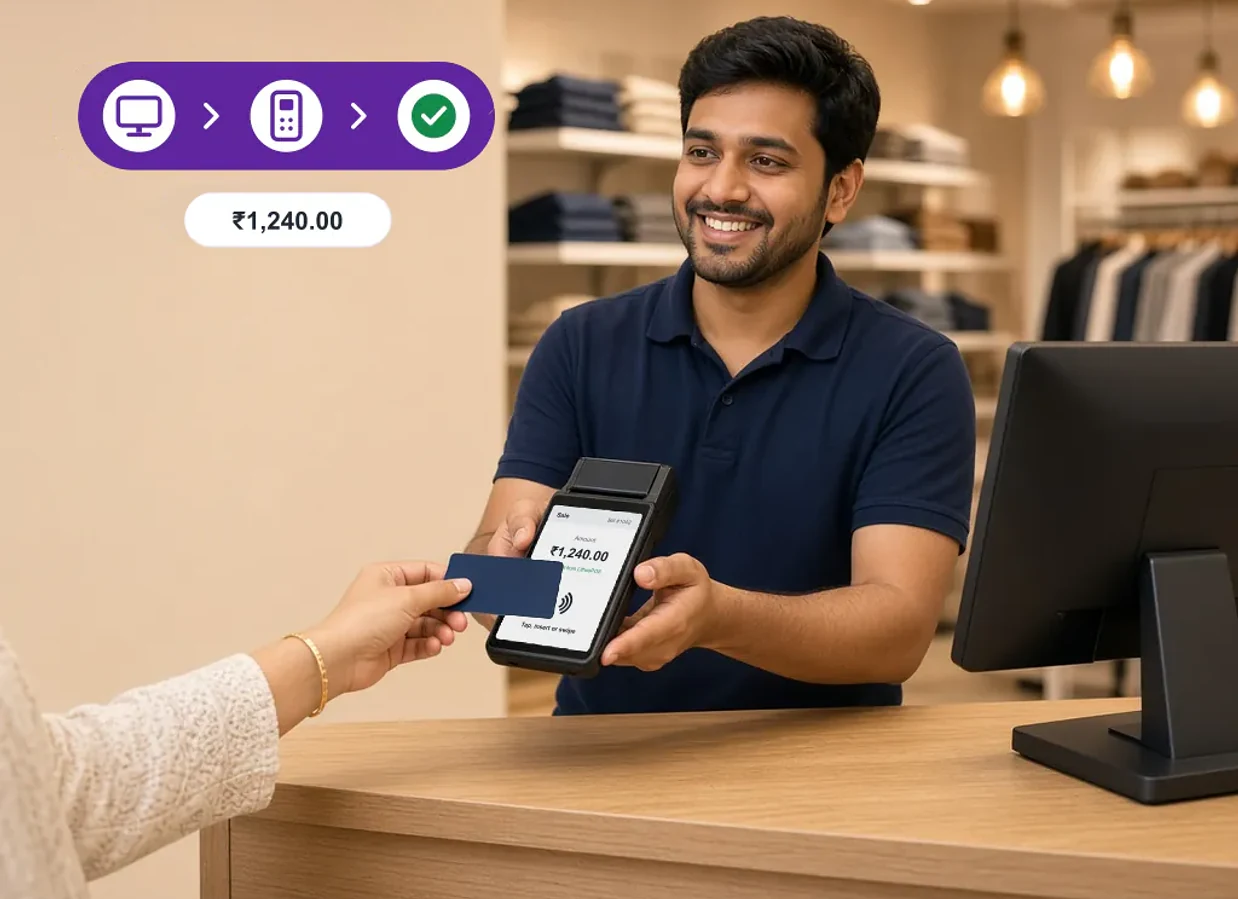
PhonePe EDC – From POS Bill to Terminal in One Step
Connect your PhonePe EDC terminal with LithosPOS to simplify in-store payment processing. The POS sends the bill amount directly to the connected terminal, helping minimize manual entry and improve checkout accuracy.
Key features
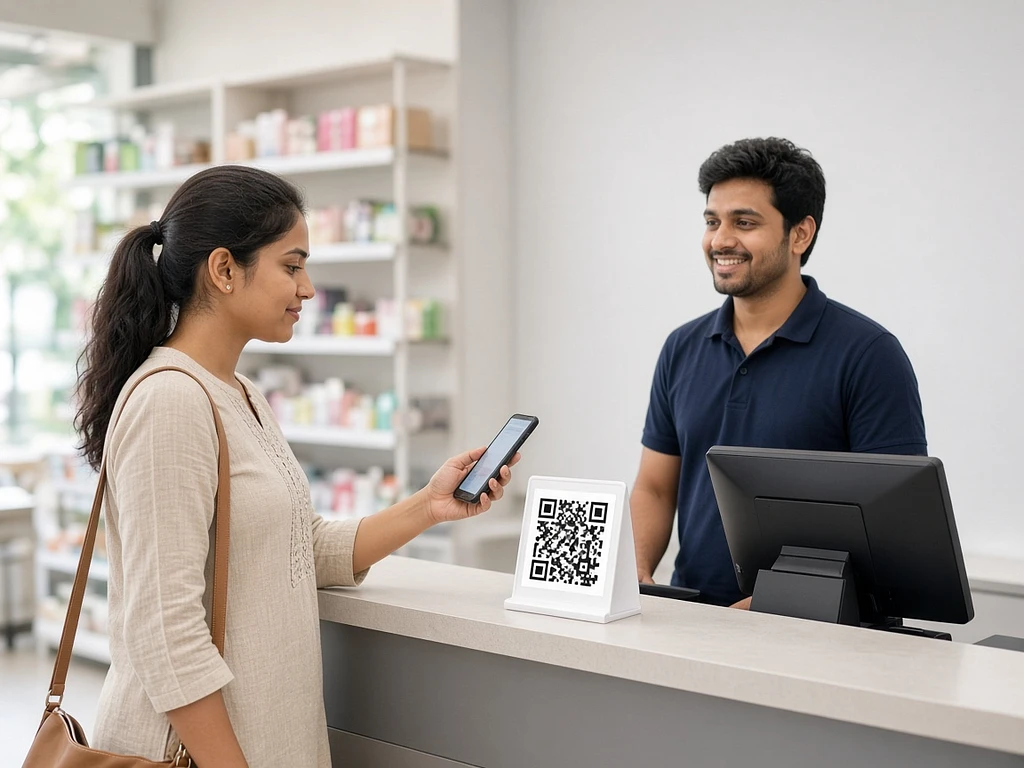
PhonePe Static QR – Simple QR-Based Payments
Accept payments using your PhonePe Static QR code and record them in LithosPOS. After the customer pays, select the PhonePe Static payment method and choose the payment amount that matches the total bill to complete the transaction in the POS.
Key features
Made for Restaurant, Café and Retail Counters
Restaurants
When one guest settles for the whole table at the cash counter, they see the bill amount on their own phone before paying, so a larger group bill is easy to confirm.
Explore restaurant POSCafés
Regulars who drop in every morning can pay by request to the PhonePe number they share with your barista, while first-time visitors simply scan the QR.
Explore café POSRetail stores
Retail baskets rarely add up to a round number. With the Dynamic PhonePe QR, a ₹1,847.50 bill is paid as ₹1,847.50, and your cashier can carry on bagging while the customer scans.
Explore retail POS