 English
 Spanish

Accept Payments Faster with Razorpay and LithosPOS
LithosPOS integrates with Razorpay to help restaurants and retail stores in India accept faster digital payments across POS billing, kiosk, and online checkout. With Razorpay connected to LithosPOS, your team can reduce manual payment entry, speed up checkout, and keep sales and payment records easier to track from one connected POS software.
Available In

India

Online payments

Card
Still entering payment amounts manually?
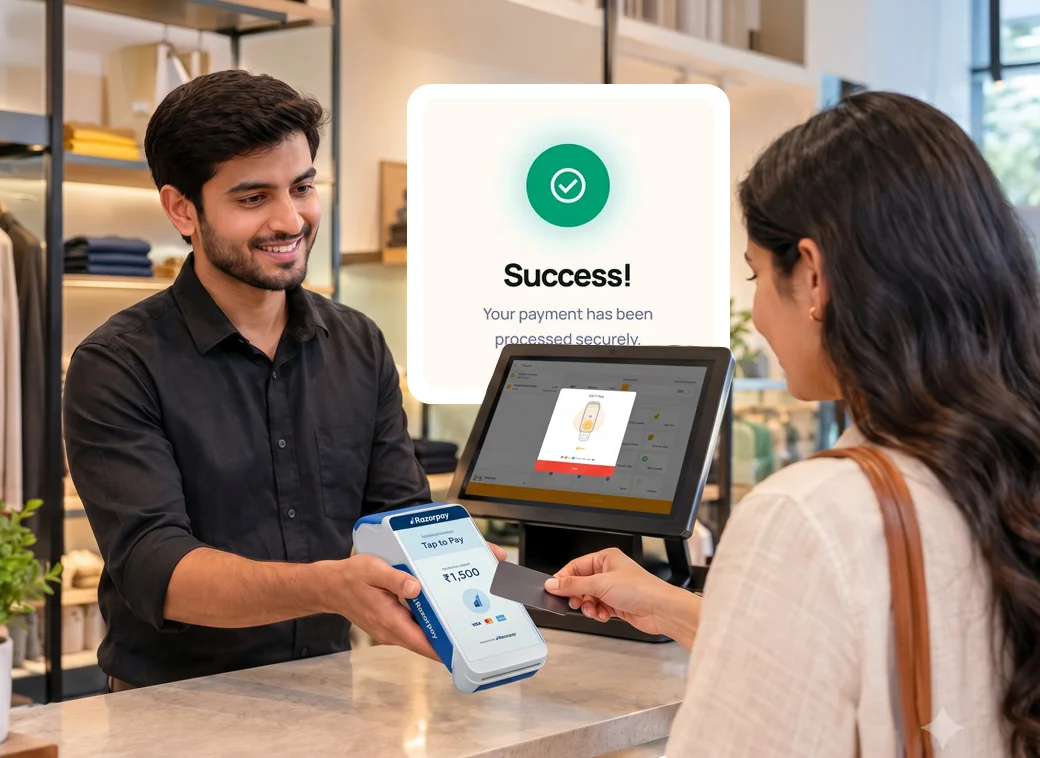
Manual payment entry can slow billing, create wrong amounts, and make end-of-day reconciliation difficult. LithosPOS helps connect Razorpay payments with your billing workflow so transactions are easier to process and track.
 Faster checkout experience
- Less manual entry at billing
- UPI payment support
- Online payment option
- Cleaner payment records
Razorpay payment options supported through LithosPOS
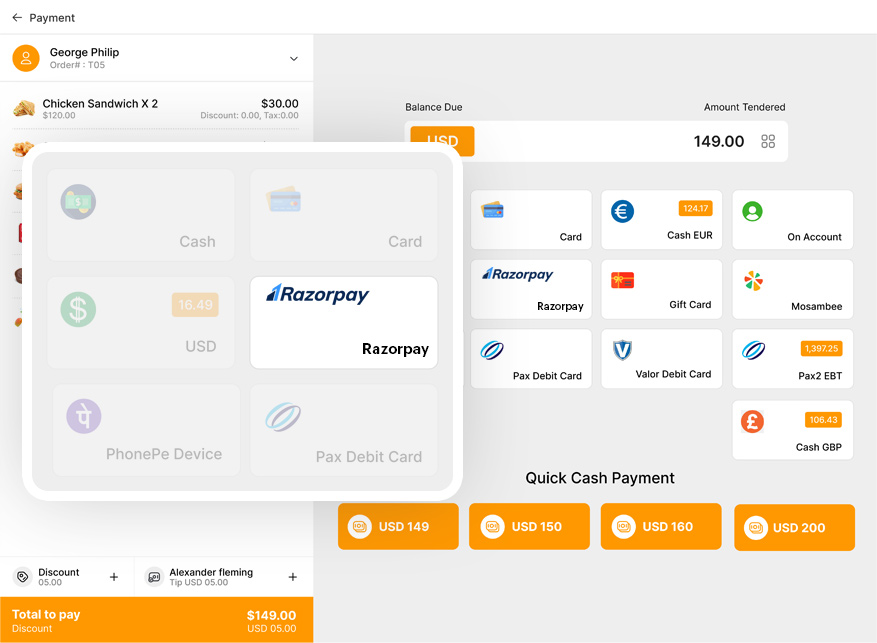
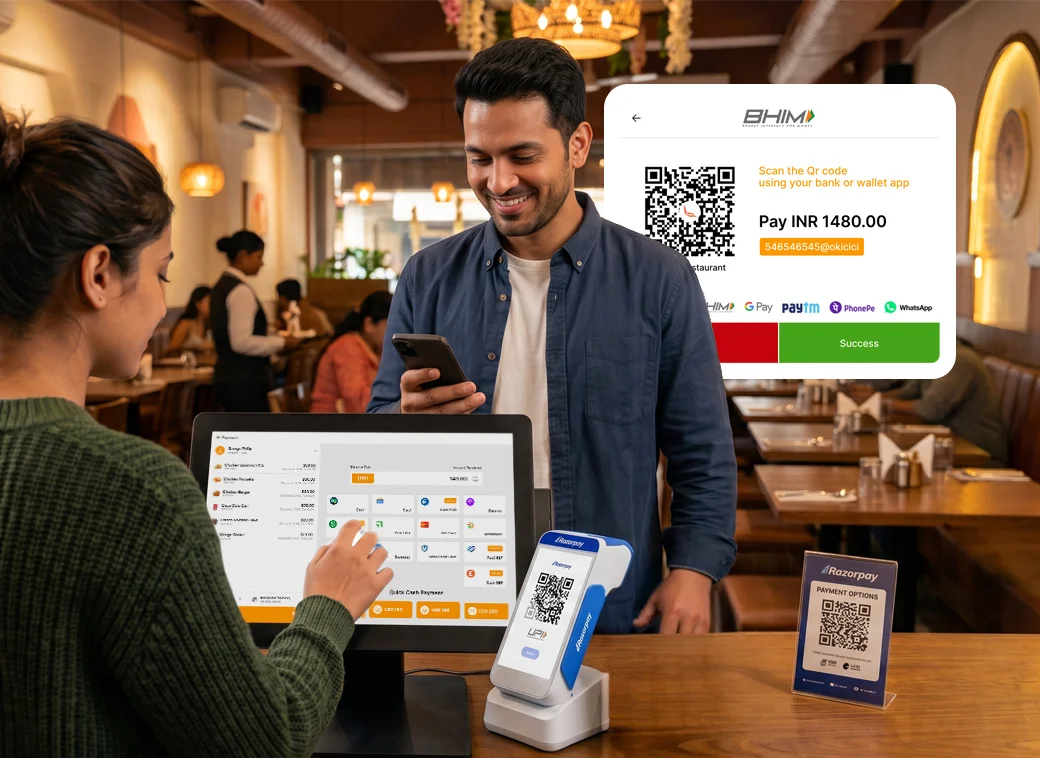
LithosPOS supports Razorpay as both an online payment option and a POS payment option. Based on your Razorpay account, device setup, and enabled payment methods, businesses can accept payments such as:
- UPI payments
- Dynamic QR payments
- Credit card payments
- Debit card payments
- Net banking
- Wallets and EMI options, where enabled by Razorpay
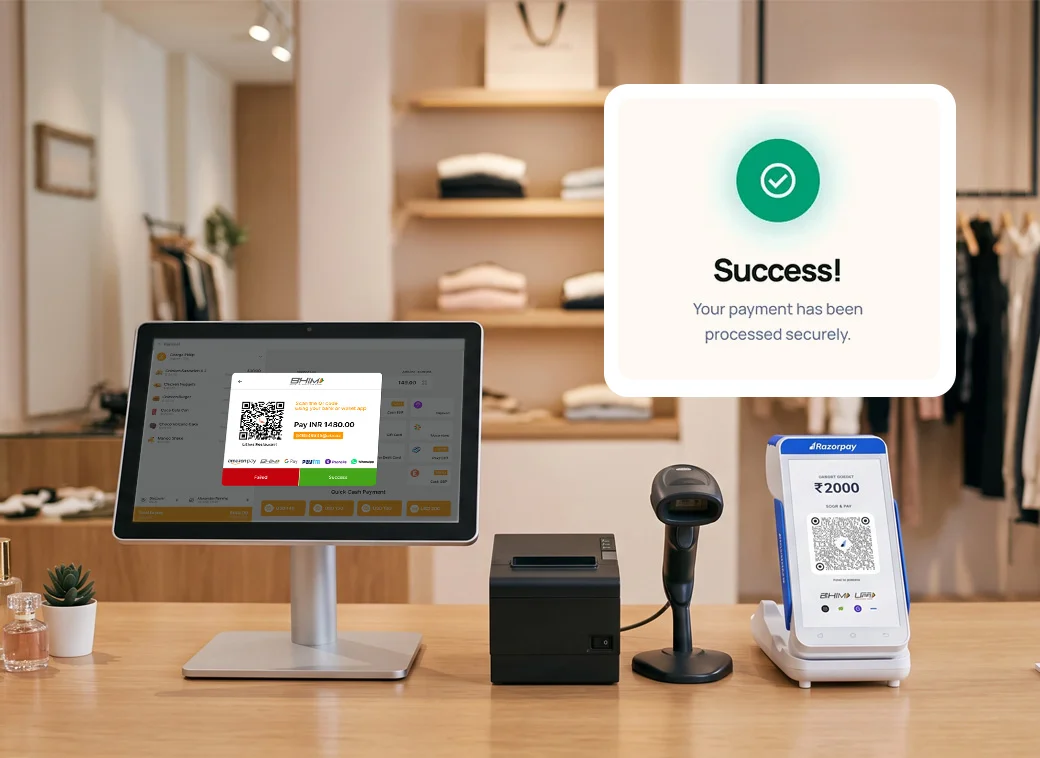
For Retail Speed up billing without losing payment accuracy
Retail counters need fast payment collection, especially during peak hours. LithosPOS with Razorpay helps retailers accept digital payments while keeping billing and payment records connected.
- Faster card and UPI checkout
- Reduced wrong amount entry
- Better daily payment tracking
- Store-wise payment setup
- Simple reports for owners
- Works for single and multi-store retail

One Payment Flow for POS, Kiosk, and Online Orders
LithosPOS helps businesses use Razorpay across multiple sales channels, including POS billing, kiosk checkout, and online payment workflows. Customers get more payment flexibility, while owners can keep sales, payment activity, and store transactions easier to monitor from one POS software without extra manual work each day.

UPI Payments Made Simple for Retails and Restaurants
Customers prefer fast UPI payments, and LithosPOS helps businesses offer a smoother UPI payment experience with Razorpay-supported workflows. Accept QR-based payments, reduce cash handling, improve checkout speed, and give customers a familiar digital payment option at the counter, kiosk, or online checkout every time.
Go Live With Razorpay on LithosPOS in a Matter of Days
Payment projects usually stall in paperwork rather than in code, so this one is deliberately short on both. Activate your Razorpay merchant account and complete the KYC with your business documents, generate your API keys or have your Razorpay terminal mapped to the outlet, then enter those credentials inside LithosPOS and choose which payment modes appear at the till. Push one small test transaction before you open for the day and you are live. Keep your registered business details, your settlement bank account and your outlet list ready and the whole exercise stays measured in days rather than weeks. Multi outlet brands then repeat exactly the same configuration branch by branch, with the LithosPOS team walking through the first one with you.