 English
 Spanish


Complete Sales and Payment in Just 3 Steps

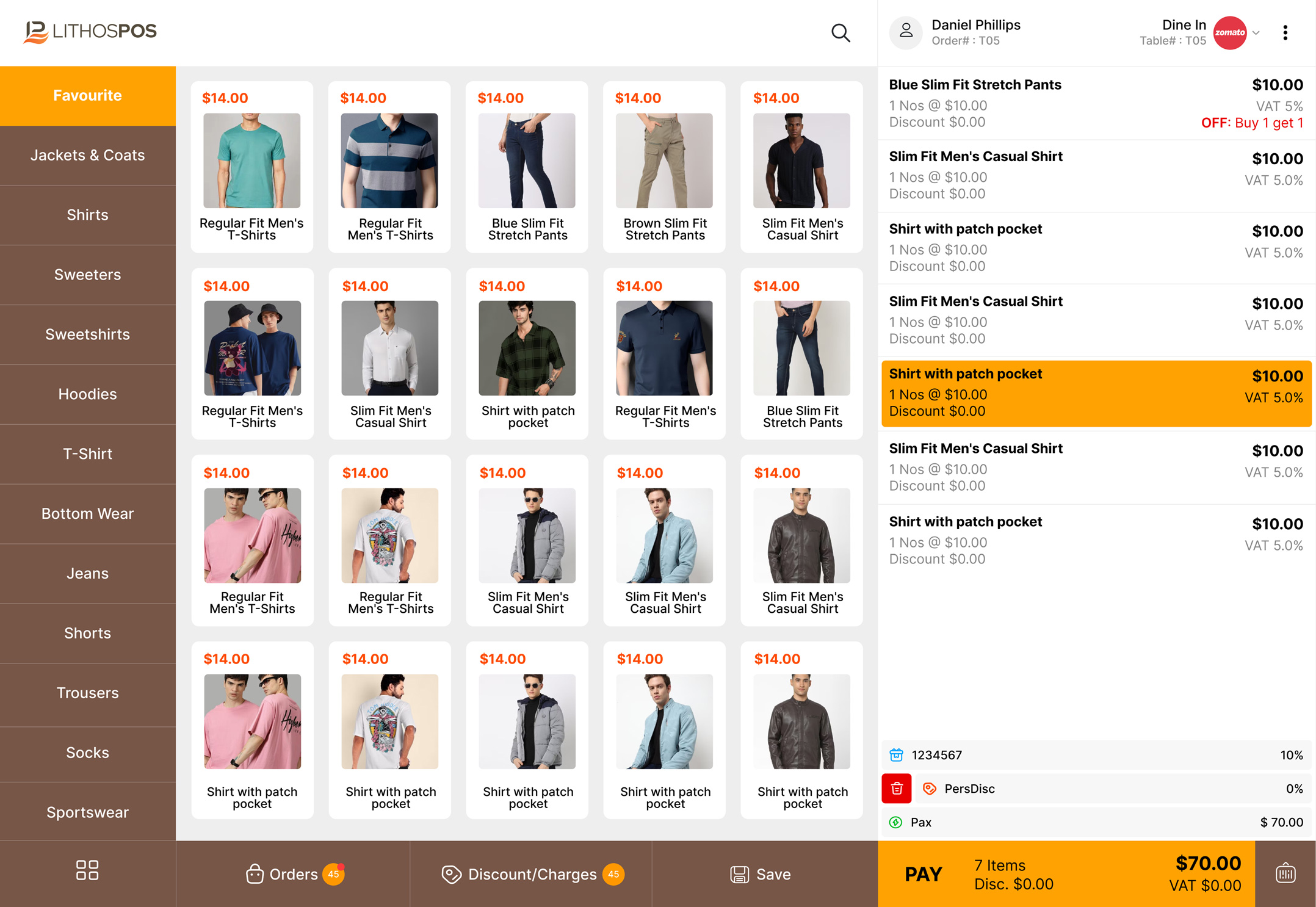
Add Items & Generate QR Code.
Add item to cart by simply click the item on POS Screen, Scanning barcode of product or you can add by searching the item, Generate dynamic qr code by clicking the payment method of UPI, it will automatically generate the QR Code with amount to pay and transaction number

Customer Scan the QR Code
Customer scan the dynamic QR code using any UPI enabled app, They will get the transaction amount and transaction number automatically filled in UPI app. so customer no need to enter the details again.

Transaction Completed
On completing the payment by customer the sale process will get completed in POS, all the process will be done automatically. You can avoid checking customer phone to confirm the payment

Give Email / Printed Receipt to Customer
Once a sale is completed, the system will automatically print or email the sales receipt to the customer. This saves time and reduces manual effort. You are immediately ready to serve your next customer without delay
Streamline Sales at Checkout with Integrated Payments
In parnership with PhonePe LithosPOS help you to accept payment from all UPI providers.